Computer Science/Image Processing
[Image Processing] 반전사진 (Negative Image) 만들기 (by MATLAB)
Bull_
2024. 3. 19. 15:46
negative image를 만들 것이다.
이 방법은 정말 쉽다.
미리 말하자면 1차원 흑백사진의 총 길이 255에서 값을 빼주면된다.
준비

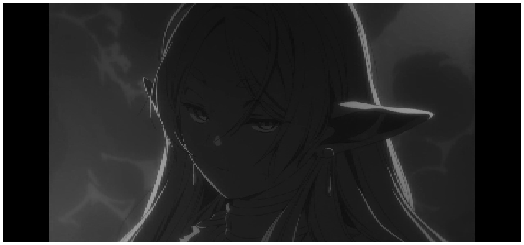
다음과 같이 흑백이된 사진을 준비한다.
흑백 만들기 스크립트
gray_awakening_frieren.m
img = imread("awakening_frieren.jpg");
grayscale_img = uint8(mean(img,3));
imshow(grayscale_img)
Negative Image
위의 흑백 만들기 스크립트에서 한줄이 추가 됐기 때문에 바로 스크립트로 보일 것이다.
negative_awakening_frieren.m
img = imread("awakening_frieren.jpg");
grayscale_img = uint8(mean(img,3));
negative_img = uint8(255-grayscale_img);
imshow(negative_img)
추가된 부분
negative_img = uint8(255-grayscale_img)
결과 사진

너무 검은 배경이라서 반전이 심하게 되었다.
보통 생각의 반전사진과는 거리가 좀 있어보이긴 한다.
다채로운 색을 가진 사진이라면 구분이 뚜렷해서 좋은 결과가 나올 것이다.